
Check in order: did the week advance → is the EA connection healthy → has a sync run → what’s the sync timestamp. That clears nearly every stale-data report.
Most “the data looks wrong” moments come down to timing or to something in the franchise itself. Here’s how to work through them.
The data looks a week behind
Sync runs on a cadence, not the instant you advance, so a short gap after finishing a week is normal. Work through this:
- Did you actually advance in EA? FranchiseHuddle can only import completed weeks. Make sure the week advanced in your franchise.
- Give the next scheduled sync a moment (paid), or run a manual sync (free). Free leagues update only when someone triggers it.
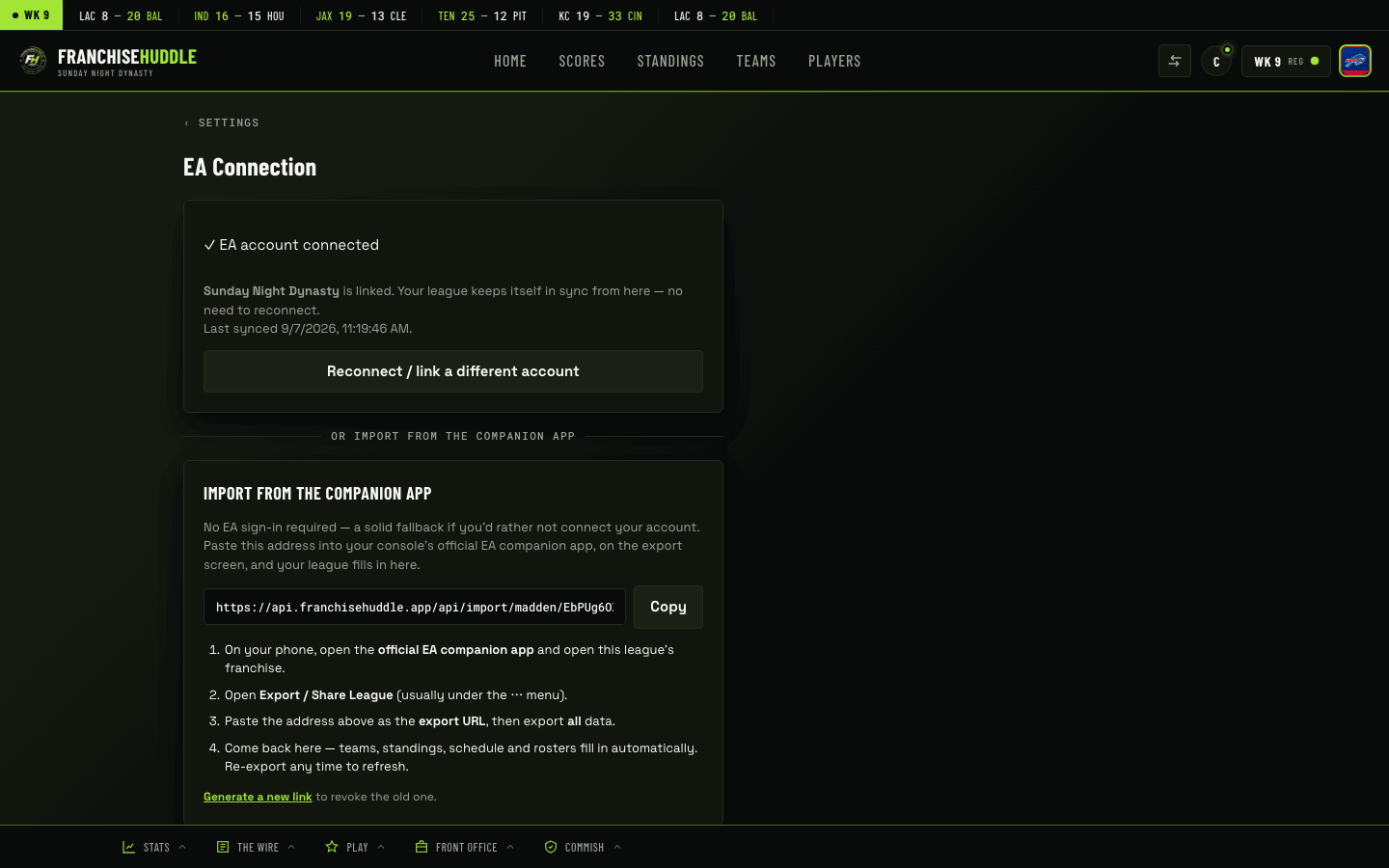
- Check the EA connection. If it’s expired, sync is paused until you reconnect — see the reconnect guide.
- Check your sync history for the timestamp of the last successful sync, so you know exactly how current the data is.
A game is missing or a score looks off
- Was the game actually played and the week advanced? An unplayed or simmed-differently game won’t show a real result until the franchise records one.
- Give it one more sync. Occasionally a result lands on the following sync as the franchise settles.
- Remember the sync is read-only. FranchiseHuddle shows exactly what the franchise reports — if the game’s result differs in EA from what you expected, the fix is in the franchise, not in FranchiseHuddle.
- Need a ruling, not a data fix? If a game needs to be settled (a no-show or forfeit), that’s a commissioner result override, not a sync issue.
Sync stopped entirely
If nothing is updating at all, the connection has almost certainly gone stale. Reconnect EA (see Reconnecting when your EA login goes stale) and sync will resume.
Quick check order: did the week advance → is the EA connection healthy → run/await a sync → check the sync timestamp. That sequence resolves the large majority of “stale data” reports.
Still stuck?
If you’ve advanced, the connection is healthy, and a sync has run but the data still looks wrong, email [email protected] with your league name and the week in question and we’ll take a look.