
Quick answer
Type / in any channel, or run /help. Commands cover standings, scores, rosters, trades and onboarding — each answers with a clean embed.
The bot answers a full set of slash commands, so anyone in the league can pull up the league without leaving Discord. Type / in a channel to see them, or run /help for the whole list.
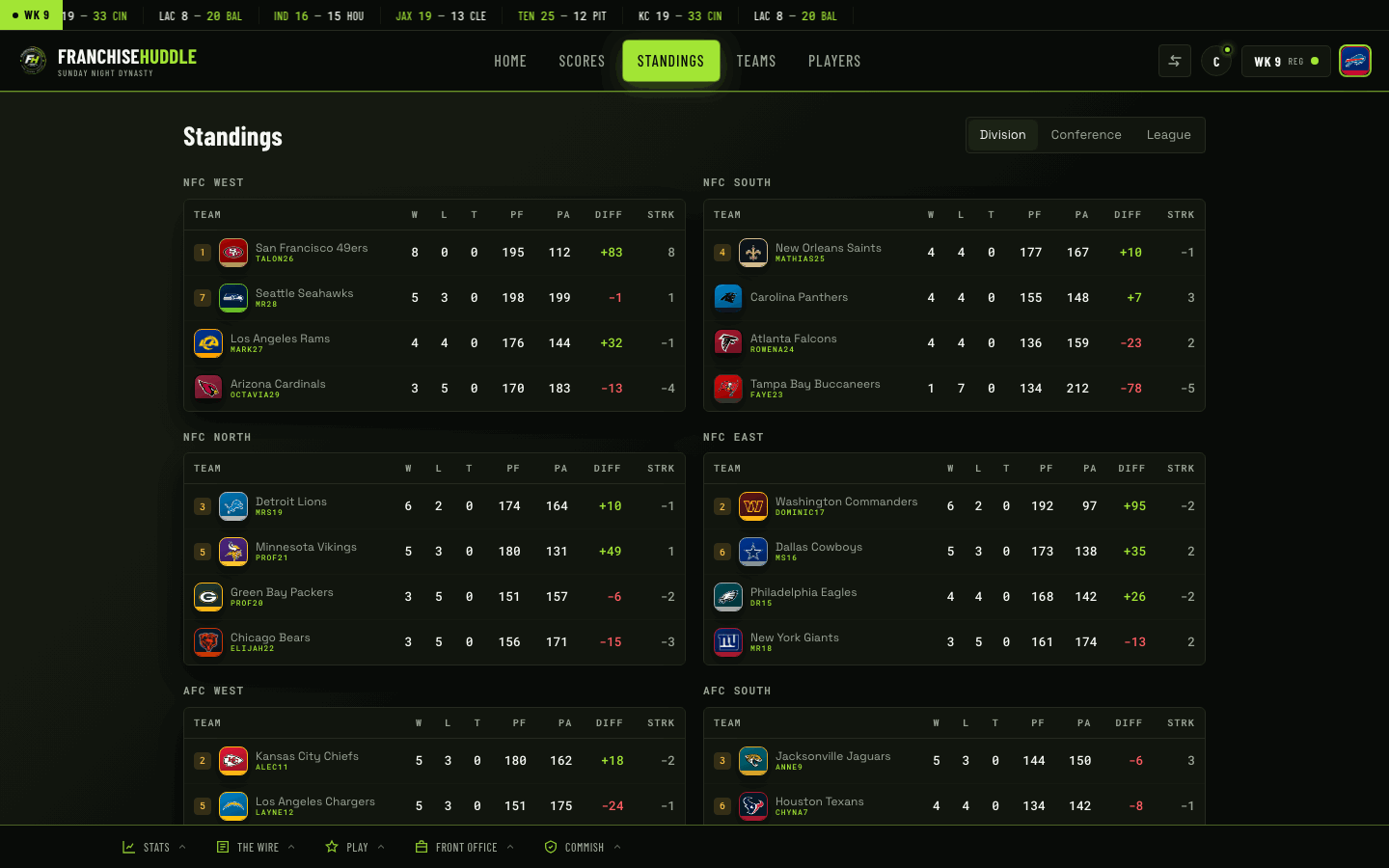
League info
/standings— division and conference standings./schedule— the week’s matchups, past and upcoming./score— a single game’s result./scoreboard— every final from the latest week./matchup— the tale of the tape for a game./rankings— the current power rankings./leaders— statistical leaders./injuries— the current injury report./trades— the latest completed and proposed deals.
Teams and players
/team— a team card: record, cap, key players./player— a player card: ratings, dev trait, injury status.
Onboarding and accounts
/join— join the league and claim an open team in one step./claimand/unclaim— tie your Discord account to your team, or release it./link— connect your Discord to your FranchiseHuddle account for permissions and notifications./welcome— the onboarding message for new members.
Utility
/sync— check or trigger a sync (subject to your tier and cooldown)./help— the full command list, with what each one does.
Every command answers with a clean embed, so pulling up the standings or a player card is a one-liner anyone in the server can run — no memorizing required. Start with /help.