Set your league name, scheduling windows and house rules before you connect EA, so the very first import lands into a league that’s ready.
You can connect EA the moment your league exists — but a few minutes of setup first pays off, because the very first import lands into a league that already knows your rules and schedule.
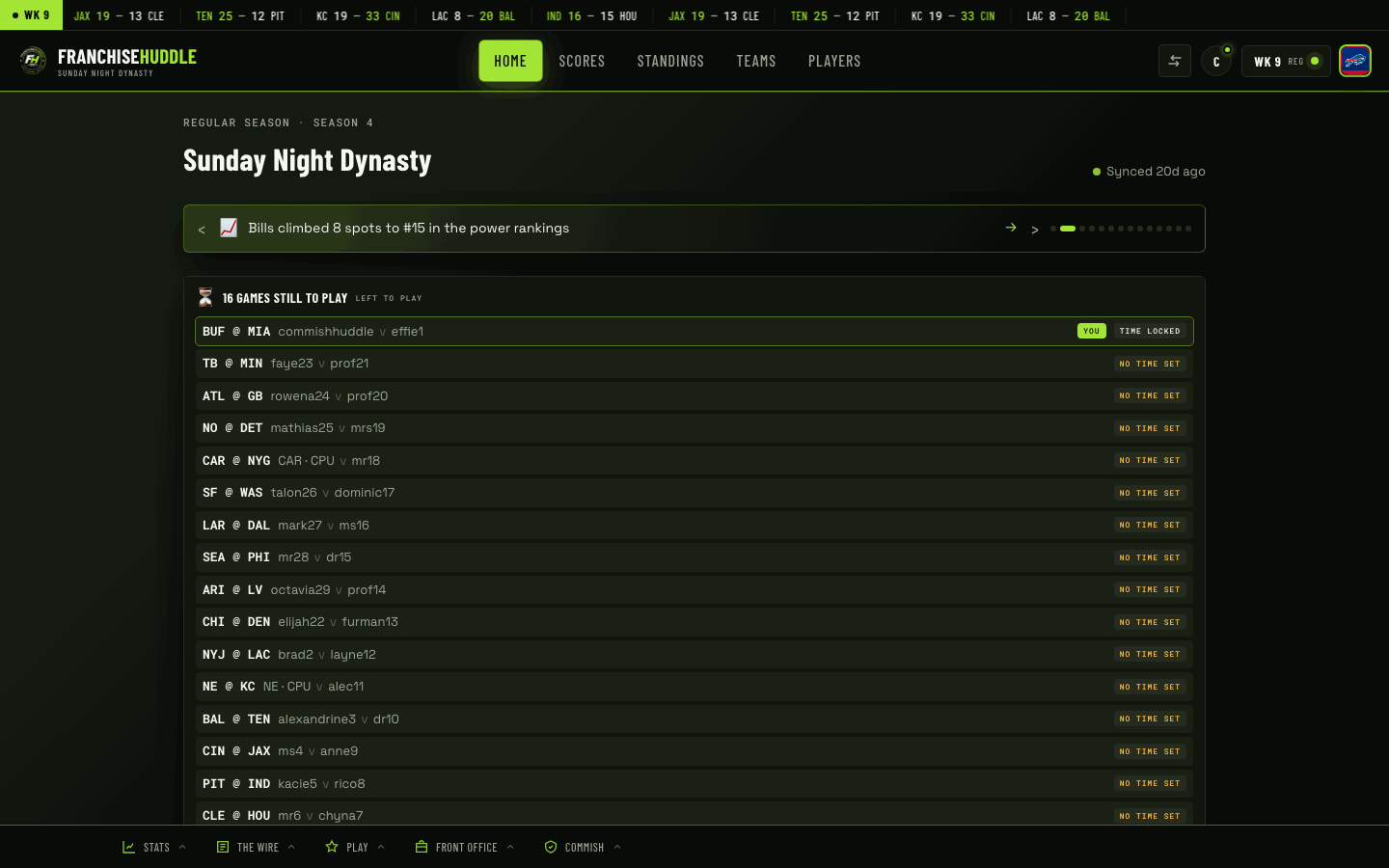
Do this before you connect EA
- Confirm your league name and details. This is what members and Discord will display.
- Set your scheduling windows. Decide your advance timer and scheduling window so matchups inherit them as soon as games appear.
- Set your house rules. If you want the watchdog and discipline tools to enforce something — like a running-up-the-score margin — configure it now.
- Line up your Discord. Have the server ready (or installed) so the hub can start posting the moment data flows.
Then import
With the hub configured, connect your EA franchise. The first sync brings in rosters, the schedule and standings, and because your windows and rules are already set, everything downstream — scheduling, the watchdog, Discord — is ready to work immediately.
Configure, then connect. It’s tempting to import first and tidy up later, but setting your windows and rules up front means your league is running properly from the first sync instead of the second or third.
Invite after the first sync
Once data’s in and things look right, invite your owners and have them claim teams. They’ll arrive to a league that’s already populated and organized, which makes claiming a team and setting availability obvious.
Related
See The commissioner onboarding checklist in Getting Started for the full start-to-finish path, and Scheduling windows & auto-ping below to configure your windows.