
Drop the times that work for you, find the overlap with your opponent, and lock a kickoff inside your commissioner’s window.
FranchiseHuddle lets the two owners in a matchup schedule their own game — no waiting on the commissioner to broker a time. You drop your availability, find the overlap, and lock it in.
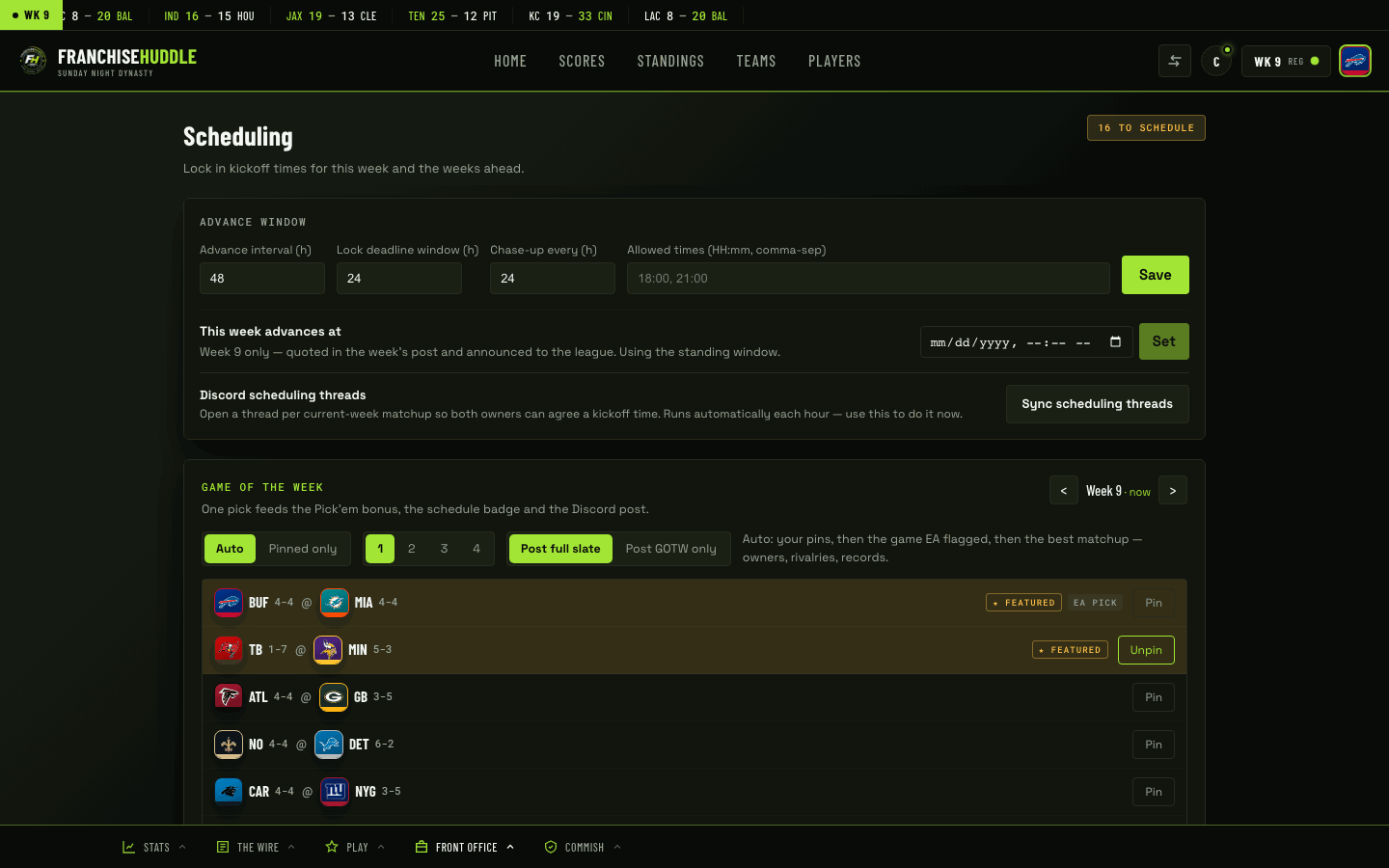
How it works
- Open your upcoming matchup in the app at app.franchisehuddle.app (or in your matchup’s Discord channel).
- Submit your availability — the times that work for you within the scheduling window.
- Your opponent does the same, so the overlap between you is obvious instead of buried in a group chat.
- Pick a time you both can make and lock the kickoff.
- The locked time shows on the league schedule with a clear locked-in marker, so everyone knows when your game is.
The window and the deadline
Your commissioner sets the scheduling window — how long you have to lock a time. Lock inside that window and you’re set. If your game is drifting toward the deadline without a locked time, FranchiseHuddle will auto-ping both of you, in-app and in Discord, as a nudge. It’s not personal — it’s the reminder that keeps the league on schedule.
Get your availability in early. The sooner both owners drop their times, the sooner you find the overlap and lock it — and the less likely you are to get the auto-ping.
Need to change a locked time?
If something comes up after you’ve locked, coordinate with your opponent and re-lock a new time inside the window. If you’re up against the deadline or the game can’t be played at all, talk to your commissioner — a no-show may become a forced result or forfeit.