Quick answer
Claim the team you run so the league knows who you are. Do it in the app, or run /claim in Discord.
When you join a league, the first thing to do is claim the team you run. That’s what connects you to a specific team so matchups, mentions and trade votes all find you.
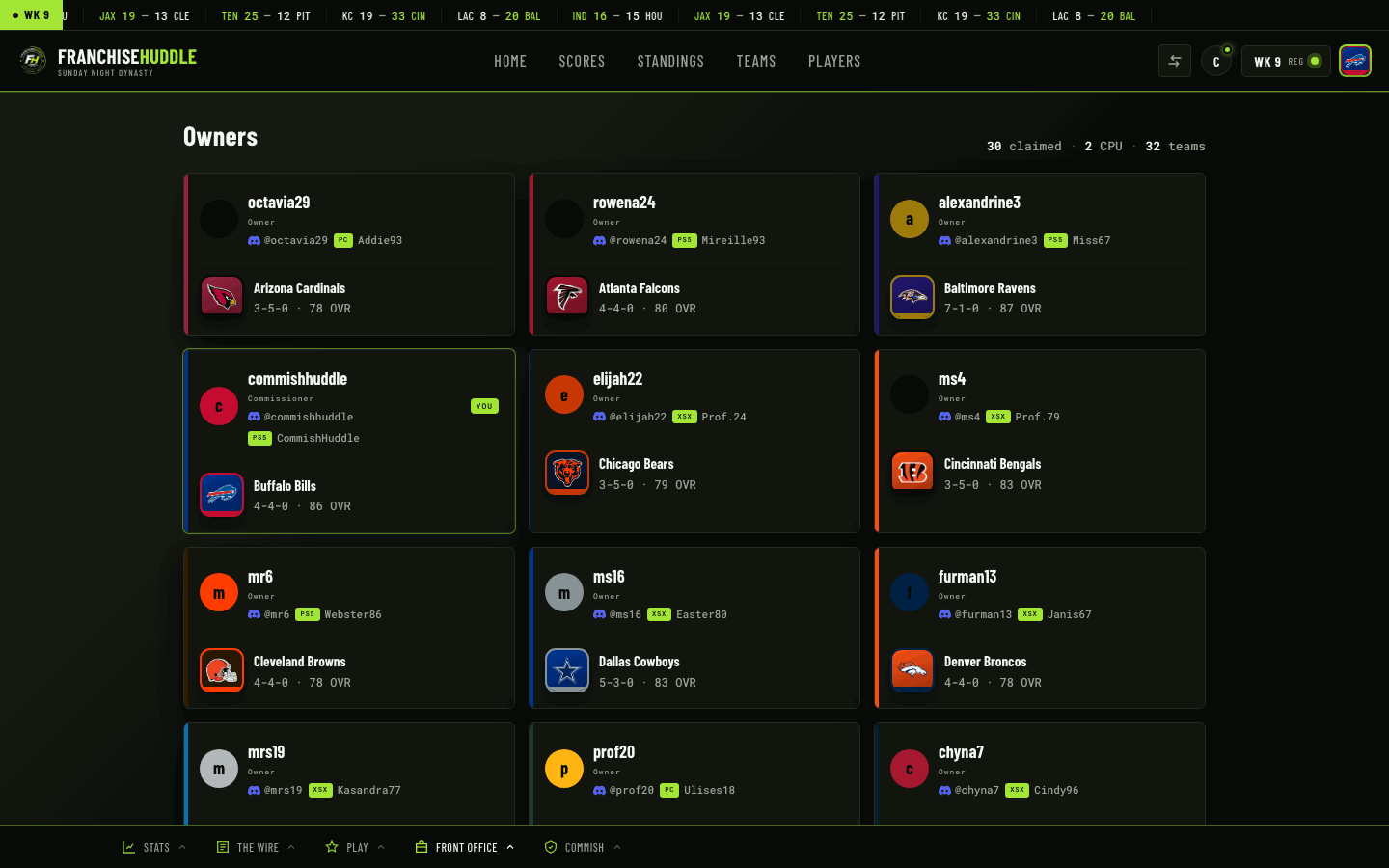
Claim in the app
- Sign into app.franchisehuddle.app and open your league.
- Go to the teams or owners area — open teams are flagged.
- Find your team and claim it.
- Confirm, and you’re tied to that team across the league.
Claim in Discord
/join— join and claim an open team in one step./claim— tie your Discord account to your team./unclaim— release a team if you grabbed the wrong one.
What claiming unlocks for you
- Your matchup channels tag you and your opponent.
- Trade proposals and votes route to you.
- You show up in the owners directory with your record.
- You’re eligible for tournaments and can vote in superlatives.
Grabbed the wrong team? Just unclaim and claim the right one. If two people end up on the same team, your commissioner can sort it out.
Don’t stop at claiming
After you claim, set your console, gamertag and Discord handle so the league can actually reach you to schedule games — that’s the next guide.