
Sign up at franchisehuddle.app/signup, name your league, and you’re the commissioner with a dashboard in about two minutes. It’s free to start.
Creating a league is the first thing you’ll do, and it takes a couple of minutes. Your league starts free and fully viewable — you can invite people and browse everything before you ever think about paying.
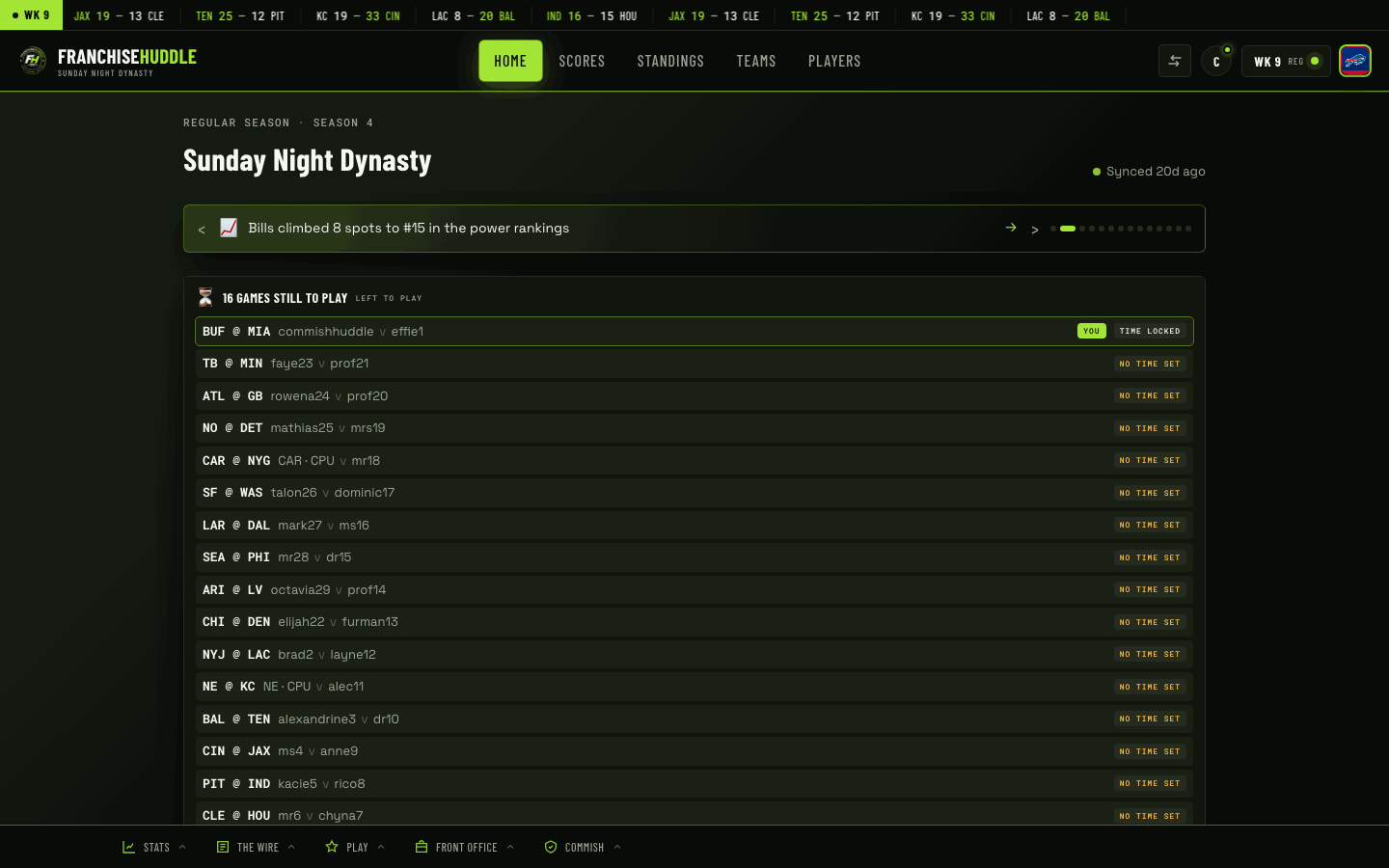
Create your league
- Head to franchisehuddle.app/signup and start the free signup.
- Give your league a name — this is what your members and your Discord will see, so pick the name your group already calls itself.
- Create your account (this makes you the commissioner) and confirm your email.
- You’ll land on your league dashboard at app.franchisehuddle.app — this is mission control for everything that follows.
What “commissioner” means
The person who creates the league is the commissioner. You get every admin control: connecting EA, setting scheduling windows, running the integrity watchdog, issuing suspensions, forcing results, and managing billing. You can hand these responsibilities off or share them, but by default they’re yours.
Don’t worry about getting everything perfect up front. The league is free to start, nothing is locked in, and you can connect EA, invite owners, and tune settings in any order.
Before you import: set up your hub
We recommend a quick setup pass before you connect EA and pull data in — set your league name, scheduling preferences, and rules so the very first sync lands into a league that’s ready for it. See Set up your FH hub before importing in Commissioner Tools for the full checklist.
Next
With the league created, your next moves are to connect your EA franchise so data starts flowing, and to invite your owners so they can claim their teams.