
Start the connect flow, sign in on EA’s own page, then paste the full redirect URL back into FranchiseHuddle. You only do this once.
Connecting EA is the one setup step that makes everything else possible. You do it once. After that, FranchiseHuddle keeps its own connection alive and pulls your franchise on a schedule.
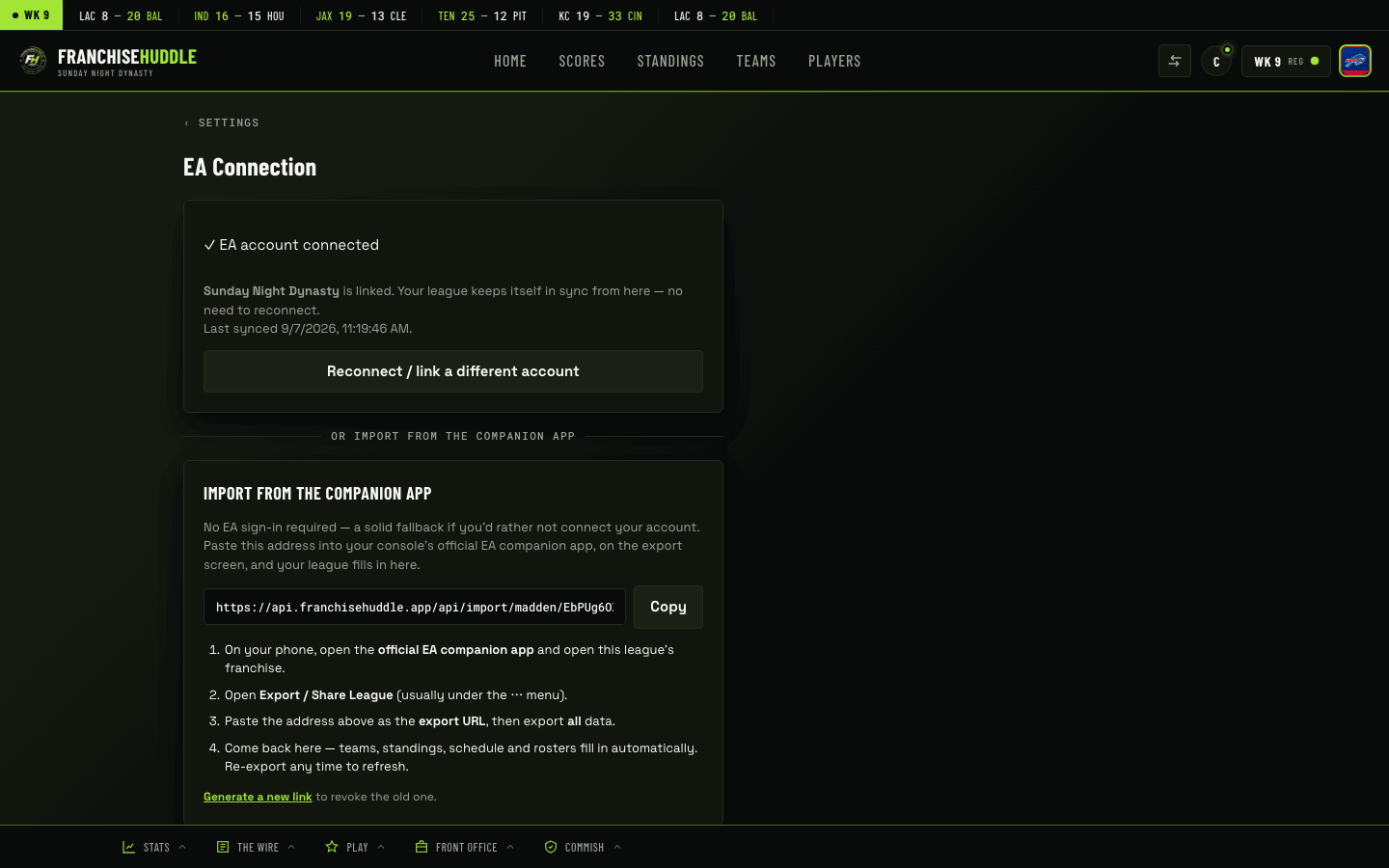
How the connection works
FranchiseHuddle connects the same way EA’s own companion tools do: you sign into your EA account, EA hands your browser back a special URL, and you paste that URL into FranchiseHuddle. That URL contains the tokens FranchiseHuddle needs to read your franchise. From then on, those tokens refresh automatically — you don’t have to repeat this unless a token fully goes stale.
Connect, step by step
- In your league dashboard at app.franchisehuddle.app, open the EA connection / sync setup.
- Start the connection — FranchiseHuddle sends you to EA’s sign-in page.
- Sign into EA with the account that has access to your franchise.
- EA redirects you to a page and gives you a URL. Copy the full URL from your browser’s address bar.
- Paste that URL back into FranchiseHuddle where it asks for it, and submit.
- Pick the franchise (and platform) you want to connect, if you’re prompted to choose.
FranchiseHuddle immediately does a first import — your rosters, schedule and standings — and schedules the sync from there.
Paste the whole URL. The redirect URL can look long or messy — that’s expected. Copy all of it, exactly as it appears, without trimming anything off the end.
Choosing the right franchise
If your EA account can see more than one franchise, you’ll be asked which one to connect. Pick the online franchise your league actually plays — connecting the wrong one is the most common early mistake, and it’s easy to fix by reconnecting and choosing again.
Which account to use
Connect the EA account that has proper access to the franchise. Commissioners usually connect their own account. You are never asked for your EA password inside FranchiseHuddle — you sign in on EA’s own page, and FranchiseHuddle only ever receives the redirect URL.
After you connect
Read how the hands-off sync keeps things current, and what “read-only” guarantees about your franchise, in the next two guides.